
Introduction
Whether you’re moving house, downsizing, renovating, or simply running out of space at home, electronics are often among the trickiest items to store safely.
From TVs and gaming consoles to laptops, kitchen appliances and sound systems, electronics are valuable, sensitive and sometimes sentimental. But storing them incorrectly can lead to damage from moisture, dust, poor handling or even temperature changes.
At SecureStore, we help customers every day who are looking to store electronics securely—whether short-term or long-term. In this comprehensive guide, we’ll show you how to store your devices properly so they stay safe, functional and protected, ready for use whenever you need them.
1. Why Proper Storage Matters for Electronics
Electronics aren’t just expensive—they’re also vulnerable to a range of risks:
- Moisture damage: Damp conditions can short-circuit components or cause rust
- Dust build-up: Blocks air vents and leads to overheating
- Physical damage: Cracks, breaks or pressure damage from poor packing
- Temperature changes: Extreme cold or heat can damage batteries and internal parts
- Loss or theft: Unsecured storage risks losing your investments
By preparing and storing your electronics properly, you can extend their lifespan and maintain their condition.
2. What Types of Electronics Can Be Stored?
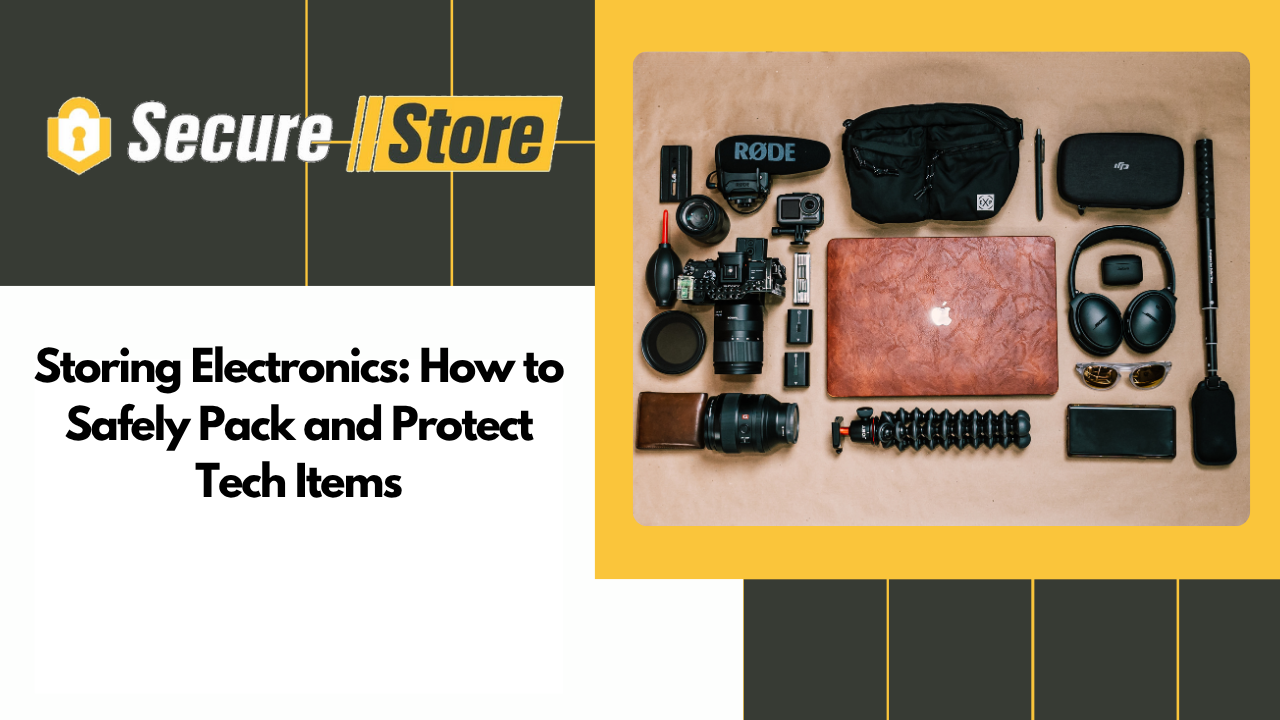
Almost any household or personal electronic item can be stored safely—if packed and managed correctly. Common items include:
- Televisions (flat screens, smart TVs)
- Computers and laptops
- Monitors and printers
- Gaming consoles and accessories
- Hi-fi systems, speakers and radios
- Cameras and photography equipment
- Kitchen appliances (microwaves, mixers, blenders)
- DVD players, recorders and media devices
- Tablets, e-readers and phones (spares or backups)
- Chargers, cables and external drives
- Smart home devices (e.g. thermostats, security systems)
If it has a plug, battery, screen or speaker, it probably needs extra care before storing.
3. Preparing Your Electronics for Storage
Proper prep is crucial. Here’s how to get your devices ready:
1. Back Up Data
For computers, tablets, phones or external drives—back up all files before storage. Use cloud storage, an additional hard drive or USB stick.
2. Remove Batteries
Batteries (especially lithium-ion) can leak, degrade or become hazardous over time. Remove all batteries and store them separately in a cool, dry place—or dispose of old ones responsibly.
3. Unplug and Detach All Cables
Remove power leads, HDMI cables, USBs and accessories. Coil and label them for easy reassembly.
4. Clean Everything Thoroughly
Wipe down screens, vents and surfaces with a soft cloth. Use compressed air to remove dust from ports or keyboards.
5. Let Devices Cool Down
If recently used, let devices cool before sealing them away to avoid condensation.
4. Choosing the Right Packaging
Packaging is your device’s first line of defence. Follow these tips:
Use Original Boxes (If You Still Have Them)
Manufacturers’ boxes are designed to fit the item snugly, with foam inserts and cushioning. If you’ve kept them—use them.
Otherwise, Use Strong Cardboard or Plastic Boxes
- Choose double-walled boxes for durability
- Avoid overpacking one box with multiple heavy items
- Use dividers or bubble wrap between devices if storing more than one
Wrap Items Individually
Use:
- Anti-static bubble wrap
- Foam sheets or felt for screens
- Zip-lock bags for cables or accessories (labelled)
Fill Gaps
Use crumpled packing paper, towels or blankets to stop items shifting inside boxes.
5. Climate and Environment Considerations
Even with great packing, poor storage conditions can damage electronics over time. Here’s what to watch out for:
1. Moisture & Humidity
Avoid garages, sheds or lofts where damp can build up. Moisture is the number one enemy of electronics.
At SecureStore, our units are dry, well-ventilated and protected from condensation—ideal for electronics.
2. Temperature Fluctuations
Batteries and delicate circuits don’t like extremes of heat or cold. If you’re storing for the winter, make sure your unit isn’t exposed to freezing air.
3. Dust and Pests
Store in sealed boxes, and avoid cardboard sitting directly on concrete floors. Use pallets or shelving if storing longer-term.
6. Organising Cables and Accessories
Loose cables quickly become a tangled mess. Here’s how to avoid frustration later:
- Use Velcro straps or cable ties
- Label each cable clearly (e.g. “TV HDMI”, “Printer Power”)
- Keep remote controls with their devices
- Place everything in a labelled zip-lock or plastic bag
- Store all accessories together in the same box as the main item where possible
7. Storing Flat Screen TVs
Flat screen TVs are among the most expensive—and fragile—items people store. Here’s how to protect them:
- Use the original box or a purpose-made TV box
- Wrap the screen in soft cloth or foam
- Stand it upright (never flat), supported and secured to avoid tipping
- Store in a dry, temperature-stable unit
- Label the box clearly and mark it fragile
Avoid stacking anything on top of it—this is one of the most common causes of cracked screens.
8. Storing Computers and Laptops
These often contain valuable data, so take extra care:
- Back up files before storage
- Remove hard drives and store separately if needed
- Use anti-static bags for internal components
- Pack the monitor and tower separately, with plenty of padding
- Keep upright, especially desktops with internal fans
For laptops, consider placing them in a laptop sleeve before boxing.
9. Storing Gaming Consoles
Consoles like PlayStations, Xboxes or Nintendos can be surprisingly delicate—especially disc drives.
- Remove all discs and cartridges
- Unplug controllers and accessories
- Wrap the console in bubble wrap
- Store in a small, sturdy box with all parts labelled
- Avoid putting weight on the box
Don’t forget memory cards, charging docks or headsets—they can be stored in small, separate containers.
10. Storing Kitchen Electronics
For devices like:
- Microwaves
- Coffee machines
- Blenders or mixers
- Toasters or air fryers
Make sure to:
- Empty and clean thoroughly
- Wipe dry to prevent rust or mildew
- Remove any detachable parts and wrap them separately
- Avoid storing anything with food residue or grease
Kitchen electronics are prone to absorbing smells—cleaning them well avoids unpleasant surprises later.
11. Insurance and Security
Electronics are high-value, so it’s worth taking extra precautions:
- List all items you’re storing and take photos before packing
- Use insurance – either through your home provider or SecureStore’s storage insurance
- Choose a secure facility – SecureStore has key fob access, CCTV, and you lock your unit with your own padlock
- Don’t label boxes as “Electronics” – use coded or vague terms on the outside for extra security
12. How Self Storage Helps Protect Your Investment
When you choose SecureStore for storing electronics, you get:
- Dry, clean, indoor storage units
- Range of sizes to suit a few items or a full home’s worth
- Key fob entry and your own padlock for total control
- No long-term tie-ins – store for a week, month or more
- On-site staff and CCTV for security and peace of mind
- Packing materials available – boxes, bubble wrap, tape and more
You can rest easy knowing your devices are stored safely and ready to power on when you need them.
13. What NOT to Do When Storing Electronics
Avoid these common mistakes:
- Leaving batteries inside devices
- Storing electronics in lofts, sheds or damp garages
- Using thin cardboard boxes with no padding
- Letting screens sit flat or at angles
- Forgetting to label cables
- Stacking items on top of fragile boxes
- Skipping backups of important data
- Not cleaning items before storage
A little effort upfront saves time, money and frustration later.
14. Customer Example: David’s Downsizing Solution
David, a freelance designer from Bury, recently moved from a three-bedroom house to a city flat. He didn’t want to sell all his tech:
“I had a studio monitor setup, a home cinema projector, a spare desktop PC, a couple of old consoles—and no space.”
He booked a 50 sq ft unit at SecureStore:
“I packed everything properly, labelled all the wires, and it’s all there for when I need it. I visit now and then to rotate or grab kit for a project. It’s like having a secure tech cupboard—just not in my house.”
Final Thoughts
Whether you’re storing a single television or an entire home’s worth of electronics, doing it right means your gear will be protected, organised and ready to use when you need it again.
The right packaging, preparation and environment are essential. With SecureStore’s clean, secure and accessible units, you can store electronics with confidence—without sacrificing space at home.
Need Help Storing Electronics?
SecureStore, 574 Manchester Road, Bury
0161 470 0288
info@securestoreselfstorage.co.uk
Our friendly team is here to help you choose the right unit and give advice on how to protect your valuables. Let us take the stress out of storage—so you can power down, relax, and make room to live better.